

Building a Home Lab from Scratch: A Real-World Guide
I still remember the first time I decided to build my own home lab. It was back in 2017, and my goal was simple: take control of my data, experiment with self-hosted services, and learn infrastructure hands-on. Fast forward to today, I run over 15 self-hosted services, supporting a community of 200+ people through various home labs I've built and maintained. If you're serious about privacy, customization, and mastering your tech, building a home lab from scratch is an unbeatable way to go.
This guide will walk you through every step, from hardware choices to software stacks, highlighting what worked for me and what pitfalls to avoid.
Why Build a Home Lab?
I've found home labs to be the ultimate playground for IT professionals and privacy advocates alike. No longer do you have to rely on cloud providers who monetize your data. Instead, you gain:
- Full control over your environment
- The flexibility to experiment with new tools
- Hands-on experience with real-world infrastructure
In 2023, the privacy landscape pushed me further into self-hosting because I prefer owning my digital footprint. Plus, the cost savings over cloud services can be significant once you amortize hardware expenses.
This statistic from Gartner highlights how tech adoption is accelerating. A home lab not only future-proofs your skills but lets you experiment with AI workloads locally.

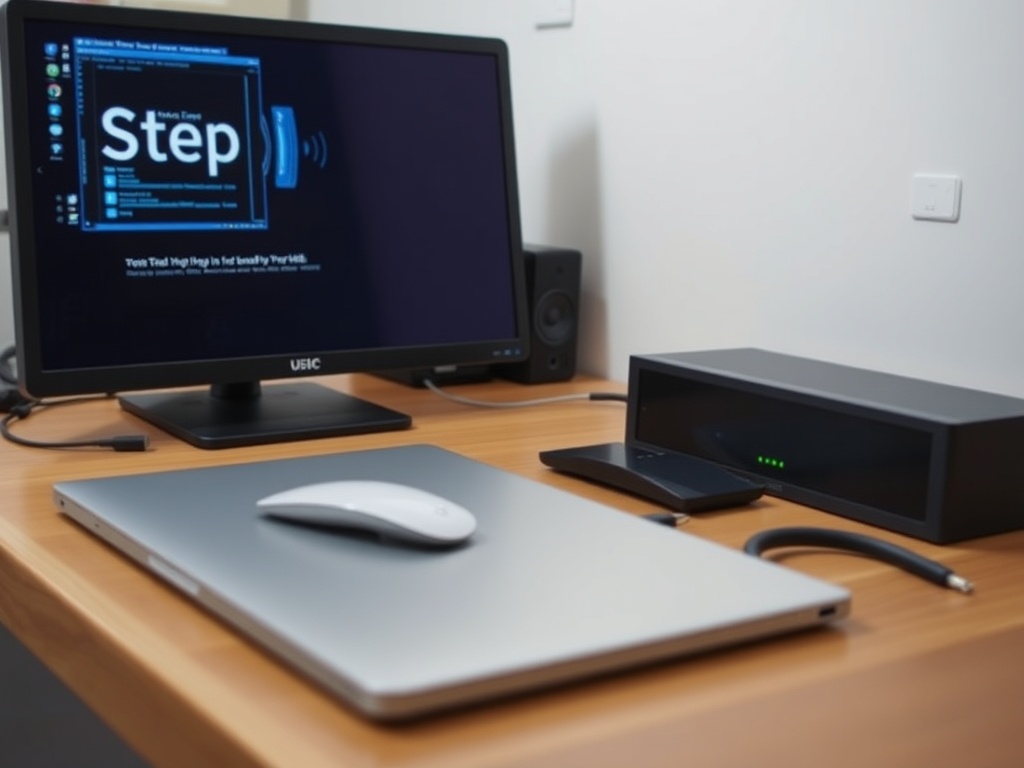
Step 1: Choosing Your Hardware
My first home lab was cobbled together with an old Dell PowerEdge T20 ($150 used on eBay). Since then, I’ve upgraded to a custom-built Proxmox cluster with:
- Intel Xeon E-2246G CPUs
- 64 GB ECC RAM
- 4x 2TB SSDs in RAID 10
Costs can vary wildly. Here's a quick comparison of popular home lab hardware options:
| Hardware | Price (USD) | CPU | RAM | Use Case |
|---|---|---|---|---|
| Dell PowerEdge T20 | $150 (used) | Intel Xeon E3-1225 v3 | 16 GB | Entry-level, budget builds |
| Intel NUC 11 | $650 | Intel i7-1165G7 | 32 GB | Compact, low power |
| Custom Proxmox Server | $1200+ | Intel Xeon E-2246G | 64 GB ECC | High-performance virtualization |
| Raspberry Pi 4 (4GB) | $55 | ARM Cortex-A72 | 4 GB | Low-power, experimental projects |
If you aim for serious virtualization, ECC RAM and a Xeon or AMD Ryzen Pro CPU are game-changers. They reduce errors and improve stability.
Always prioritize ECC RAM for your home lab. It might cost 20-30% more but will save you hours troubleshooting memory errors down the road.
→ See also: what is self hosting
Step 2: Selecting Your Virtualization Platform
I’ve tested many platforms including VMware ESXi, Proxmox, and Hyper-V. Proxmox VE (free, open-source) stands out for home labs due to its:
- Full KVM virtualization
- LXC container support
- Easy clustering and backups
In my experience, setting up Proxmox took less than 2 hours, and the web GUI is intuitive even for beginners.
Use ZFS as your primary filesystem in Proxmox. Its snapshot and data integrity features are invaluable.
Step 3: Choosing Your Self-Hosted Services
Here’s where you get creative. I run:
- Nextcloud for cloud storage ($0 if self-hosted vs. $10+/month on Dropbox)
- Home Assistant for smart home automation
- Pi-hole for network-wide ad blocking
- Jellyfin for media streaming
- WireGuard VPN for secure remote access
The freedom to customize is addicting. Each service I deploy saves money and improves privacy.
“Self-hosting empowers users to reclaim control over their digital lives, breaking free from centralized monopolies.” — Cory Doctorow, Author and Journalist
Step 4: Networking and Security
Networking can make or break your home lab. I recommend:
- Using VLANs to segment traffic
- Deploying a pfSense firewall ($0 for community edition)
- Running WireGuard VPN for secure remote access
With these, I keep my home lab safe from external threats while maintaining easy access.
Always change default passwords and keep firmware up to date. Attackers love unpatched IoT and home lab devices.
→ See also: building a home lab for beginners
Step 5: Backup and Monitoring
Backups are a must. I use BorgBackup for incremental backups to a Synology NAS. It saves me about 5 hours monthly compared to manual backups.
For monitoring, Prometheus + Grafana give me real-time insights into CPU usage, disk health, and network traffic.
Automate backups and monitoring from day one. It turns maintenance from a chore into a background task.
A Quick Pros and Cons Rundown
• Full control over services and data
• Significant cost savings over cloud subscriptions
• Hands-on experience with real-world IT infrastructure
• Initial hardware investment can be costly
• Requires ongoing maintenance and troubleshooting
Final Thoughts
Building a home lab from scratch is one of the best investments you can make for your skills and privacy. Start small, focus on stability, and gradually add services as you grow confident.
Want a solid starting point? Grab a used Dell PowerEdge T20 for around $150 and install Proxmox. From there, add Nextcloud and Pi-hole — you’ll be amazed at how much control you gain.
Ready to build your own? Share your progress or questions below!
FAQ
What is the best budget hardware for a home lab?
Which virtualization platform should I choose?
How do I secure my home lab?
Is self-hosting expensive?
Can I run AI workloads on a home lab?




Comments 0
Be the first to comment!