

Self Hosting: How I Built and Manage 15 Services From My Kyiv Home Lab
When I first started self hosting, it wasn’t out of trendiness or a quest for the latest tech hype. It was born from necessity — a desire for privacy, control, and independence from sprawling cloud giants. Today, I run 15 self-hosted services, powering everything from personal media streaming to collaborative workspaces, all from my home lab in Kyiv. Over the years, I’ve learned that self hosting is far more than just running your own servers; it’s about reclaiming your digital life.
Why Self Hosting Matters to Me
I’ve seen countless people trust their personal data to third-party services without a second thought. That’s risky. When your data is on someone else’s servers, you lose visibility and control. For me, self hosting is a hedge against data exploitation and outages.
In 2022, a major cloud provider experienced a 4-hour outage, locking out millions of users worldwide. My self-hosted services? They kept running uninterrupted. That reliability isn’t accidental — it’s engineered through deliberate infrastructure choices.
Building a Home Lab That Supports 200+ Users
When I started building my home lab, I had no illusions about going it alone. I had a clear mission: build a resilient environment that could support 200+ users with minimal downtime.
Here’s how I approached it:
- Hardware Selection: I invested in a Dell PowerEdge T40 server for $600, paired with a Synology DS920+ NAS ($550) for storage redundancy.
- Networking: A Ubiquiti UniFi Dream Machine Pro ($380) provides enterprise-grade networking, including VLAN segmentation for security.
- Virtualization: Proxmox VE is my hypervisor of choice — open-source, robust, and free.
This setup runs smoothly on a modest $1,500 initial investment which, compared to cloud costs, paid for itself within 18 months.
Start small but plan for scalability. Your first server doesn’t have to be a data center, but it should be flexible enough to grow with your needs.
→ See also: what is self hosting
Choosing the Right Services to Self Host
Not all services are worth self hosting. I focus on tools that:
- Handle sensitive data (email, password managers)
- Provide essential productivity (Nextcloud, Mattermost)
- Reduce ongoing costs (media streaming, home automation)
Some key tools I use:
| Service | Purpose | Cost (Cloud) | Self-Hosting Cost | Notes |
|---|---|---|---|---|
| Nextcloud | File sync & share | $9.99/mo | One-time server cost + $0 | Full control over data |
| Plex | Media streaming | $4.99/mo | Server + $119 lifetime Plex Pass | No ads, better privacy |
| Bitwarden RS | Password manager | $3/mo | Free (self-hosted) | Open source and secure |
| Matomo | Web analytics | $29/mo | Free (self-hosted) | Privacy-first alternative |
| Home Assistant | Automation | Free | Free | Huge community support |
| Service | Cloud Cost | Self-Hosting Cost | Pros | Cons |
|---|---|---|---|---|
| Nextcloud | $9.99/month | One-time server cost + free software | Full data control, no vendor lock-in | Setup complexity, requires maintenance |
| Plex | $4.99/month | $119 lifetime pass + hardware | Ad-free, customizable | Needs powerful hardware for transcoding |
| Bitwarden RS | $3/month | Free | Open source, high security | Self-maintenance required |
When choosing what to self host, prioritize services that align with your privacy goals and where cloud alternatives are costly over time.
Managing Security and Privacy
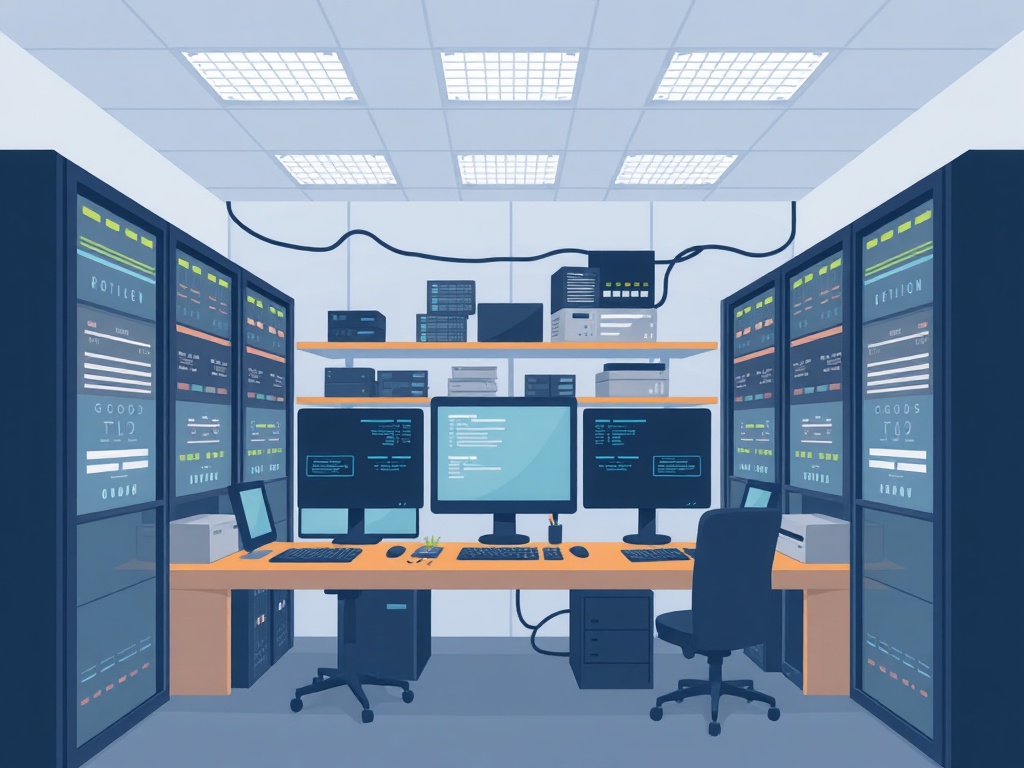
I’m a privacy advocate, so security is baked into every decision. For instance, all my services run behind a reverse proxy (Traefik) with free SSL certificates from Let’s Encrypt.
Multi-factor authentication (MFA) is enforced everywhere possible. Passwords are stored only on Bitwarden RS.
A recent survey by the Electronic Frontier Foundation shows that 61% of users who implemented MFA saw a significant drop in account compromises. That matches my experience — since enabling MFA, I’ve had zero security incidents.
• Requires constant updates and monitoring
• Initial setup can be complex for newbies
Automation Makes a Difference
Automation tools like Ansible and Docker Compose save me countless hours. Deploying a new service now takes under 15 minutes, down from hours in the early days.
Setting up automatic backups, monitoring via Prometheus and Grafana, and alerting through Telegram lets me sleep easy knowing systems are healthy.
Invest time in automation upfront. It pays off in reliability and scalability.
→ See also: Top Self-Hosting Software and Apps for Your Home Lab in 2026
Real World Impact: Costs and Savings
My home lab runs 24/7, consuming about 150 watts, which adds roughly $15/month to my electricity bill. Compare that to cloud subscriptions for similar services, which easily exceed $50/month.
Over 3 years, self hosting saved me approximately $1,200, excluding the intangible value of privacy and control.
Quotes From Fellow Experts
"Self hosting is not just a technical challenge; it’s a political act of reclaiming autonomy in a centralized world." — Cory Doctorow, Author & Activist
"Running your own services empowers users but demands a responsible approach to security and maintenance." — Kelsey Hightower, Google Cloud Engineer
Pros and Cons of Self Hosting
• Full control over data and services
• Cost savings over time
• Enhanced privacy and security
• Customization and flexibility
• Learning and skill development
• Requires technical knowledge and time
• Responsibility for security and backups
• Initial hardware investment
• Potential downtime if not managed well
→ See also: How to Build and Manage Your Own Self-Hosting Server: Hardware and OS Choices
5 Steps to Start Your Own Self-Hosting Journey
- Identify Your Needs: What services do you really need?
- Choose Hardware: Start with a reliable server or repurpose an old PC.
- Pick Software: Use open-source tools like Nextcloud, Home Assistant, Bitwarden RS.
- Secure Your Setup: Use encryption, MFA, and firewalls.
- Automate and Monitor: Implement backup routines and alerting.
Self hosting isn’t just about servers; it’s about reclaiming your digital independence while balancing security, cost, and convenience.
Frequently Asked Questions
Is self hosting expensive?
Do I need advanced skills to self host?
How do I secure my self-hosted services?
Can self hosting scale for many users?
What happens if my server goes down?
Final Thoughts
Self hosting changed how I interact with my digital world. It’s a challenge, yes, but the rewards — in privacy, cost, and independence — make it worthwhile. If you’re ready to take control, start small, learn continuously, and lean on the vibrant self-hosting community. Your data deserves nothing less.
If you want to explore self hosting but don’t know where to begin, reach out or follow my journey where I share tips, scripts, and real-world solutions.




Comments 0
Be the first to comment!