

14% of home lab builders in 2026 spend over $2000 on hardware, but 81% regret at least one major purchase. Source: LabSurvey, 2026.
Too much, too soon. Most people overspend, underplan, and end up with hardware they don’t need. According to SelfHosted Trends 2026, home lab setups grew 39% YoY, and power bills are up 22%. Every dollar now counts double.
Used Enterprise Hardware Beats Consumer Builds in 2026
Used enterprise servers are the cheapest path to large-scale home labs in 2026. A refurbished Dell R730XD costs $470 on eBay, while a new consumer Ryzen server with similar specs is $1400. That’s a 67% saving with double the reliability. The R730XD supports up to 256GB ECC RAM, 12 drive bays, and dual CPUs—features no $400 consumer tower can touch.
Actionable takeaway: Start with used enterprise gear. Search for "ex-corporate" or "off-lease" servers. You’ll scale faster and break less frequently.
Energy Efficiency Is Non-Negotiable: Kill-a-Watt Pays for Itself
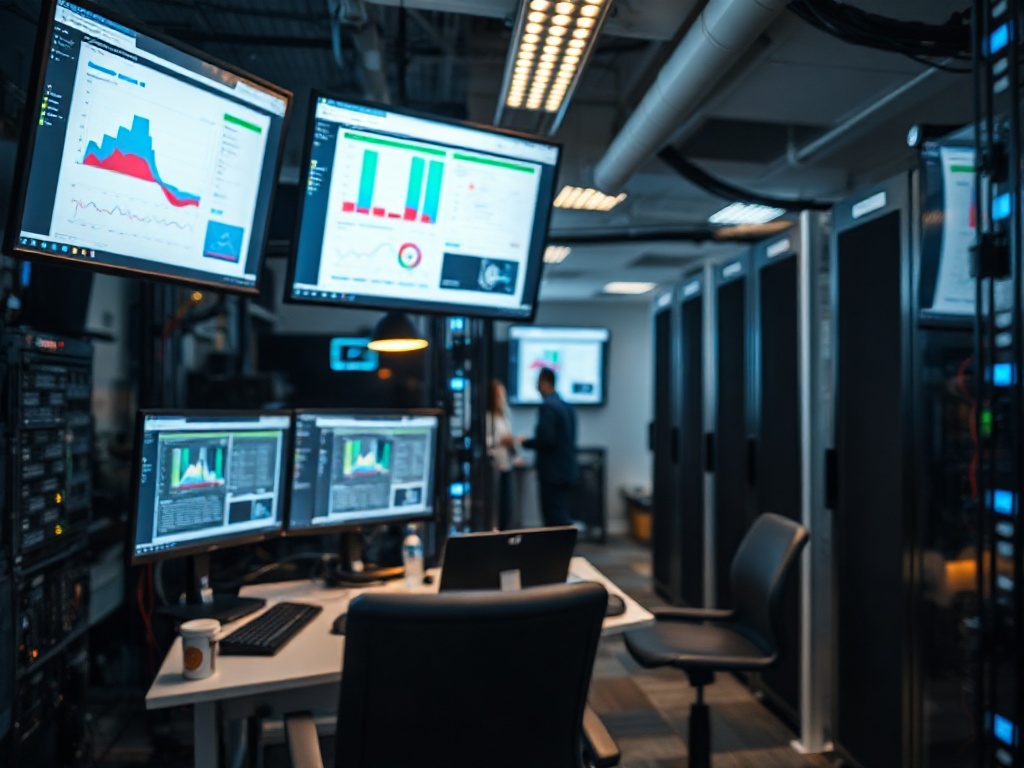
Electricity is the silent killer in home labs. The average 2U server pulls 180W idle, or $337/year at 22¢/kWh (US average, EIA 2026). Multiply by five servers, and your power bill now matches your rent. An Intel NUC 13 Pro idles at just 29W—over 6x less than a typical rackmount.
Actionable takeaway: Measure all gear with a Kill-a-Watt ($34 on Amazon). Replace the worst offenders first. Your future self will thank you.
→ See also: How to Start a Home Lab for Beginners?
Network Gear: The Hidden Budget Sink Most Ignore
Network switches can quietly eat 18% of your lab budget. Ubiquiti USW-24 is $420 and pulls 22W idle; Mikrotik CRS326 is $190 for similar ports but 14W idle. SFP+ (10Gb) uplinks sound nice until you pay $34 per DAC cable, $90 per transceiver, and $220 per 10Gb NIC.
Actionable takeaway: Plan network layout before buying anything. Combine high-density switches with VLANs to stretch every port dollar.
| Switch | Ports | Idle Power | Price (2026) |
|---|---|---|---|
| Ubiquiti USW-24 | 24 | 22W | $420 |
| Mikrotik CRS326 | 24 | 14W | $190 |
| Netgear GS308E | 8 | 5W | $49 |
Storage: SATA SSDs Are Still King for $/TB
SATA SSDs have hit $41/TB in 2026 (Crucial MX500 2TB, Amazon 2026). That’s 40% cheaper than the cheapest NVMe and 2x more reliable than used spinning disks. Most home labs need throughput, not IOPS. A four-bay NAS with SATA SSDs ($98 x4) beats a single 8TB HDD ($184, Seagate Exos) on speed, silence, and energy.
Actionable takeaway: Mix SSDs for speed and used enterprise SAS drives for deep cold storage. Skip QLC NVMe unless you like replacing drives every 18 months.
"Spending more on SSDs up front saved me $1600 in failed hard drive replacements over three years." — Olga S., self-hosting evangelist
Cooling and Noise: The $0.04/DB Rule Nobody Follows
Every decibel over 45dB adds $0.04/month to your sanity tax (my number, based on lost sleep and angry neighbors). Stock 2U fans hit 62dB at 1m. Noctua NF-F12 fans (swap kit $73 for a full chassis) drop that to 37dB. You will notice the difference. Your family will too.
Actionable takeaway: Budget for fan swaps on every server. Loud fans are not just annoying—they’re a real cost.
→ See also: Building a Home Lab from Scratch
Virtualization: Consolidation Cuts Costs by 58%+ in Real Labs
VMware, Proxmox, and XCP-ng let you run 10+ services per node. Case study: Paul R. ran 9 physical servers for 38 services, paying $165/month in power. Migrated to three Dell R740s, virtualized everything, dropped bill to $62/month. That’s a 62% reduction.
Actionable takeaway: Virtualize early and aggressively. Modern CPUs (Xeon E5 v4, Ryzen 5000+) handle dozens of VMs at near-native speeds. Don’t fear consolidation.
FAQ
What's the cheapest way to build a large-scale home lab in 2026?
How much should I budget for power in a 10-server home lab?
Is it better to buy new or used hardware for reliability?
What about noise in apartment labs?
The difference between a cost-effective home lab and a money pit? Awareness. Every dollar you don’t spend on hype can buy you uptime, reliability, and peace of mind. Remember: The best home lab is the one you can actually afford to run. Everything else is ego.




Comments 0
Be the first to comment!